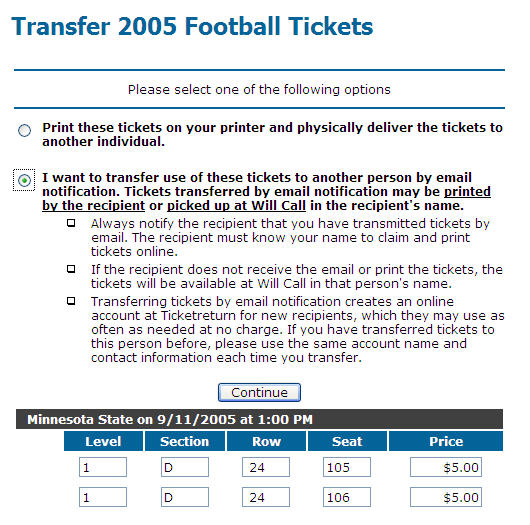
Select the Transfer the use of these tickets option and click Continue.
One of the following will happen:
-
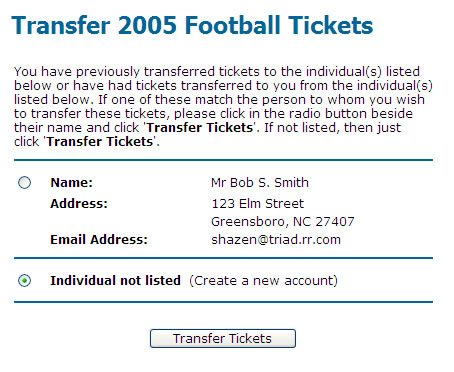
If you have previously transferred tickets to someone or someone has transferred tickets to you, a page will appear with a choice to transfer the tickets to an existing party in a transfer transaction or to a new transferee.
To transfer tickets to an account listed, select the account and click the Transfer Tickets button. Skip to step 4.
To transfer tickets to a new account, select Individual not listed and click the Transfer Tickets button. A page appears prompting you for information for the new account. Complete the information and click Continue.
-
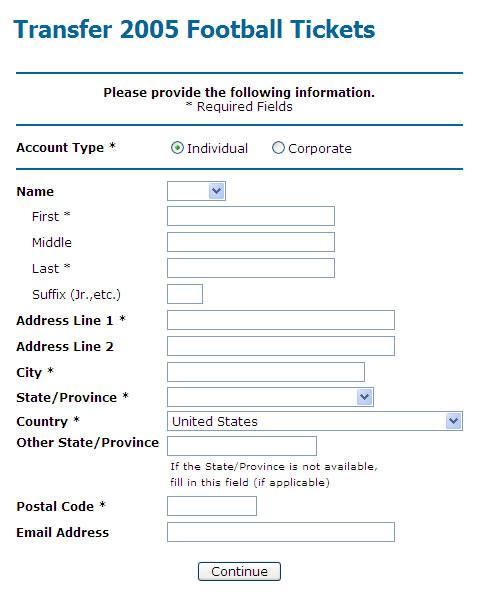
If you have never transferred tickets to anyone or have never had tickets transferred to you, the following page appears. Enter the information for the transferee and click Continue.
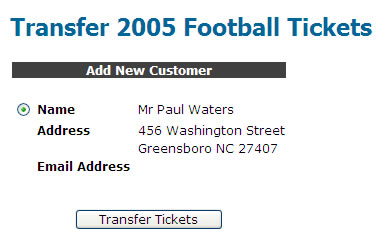
The following page appears. Click the Transfer Tickets button.
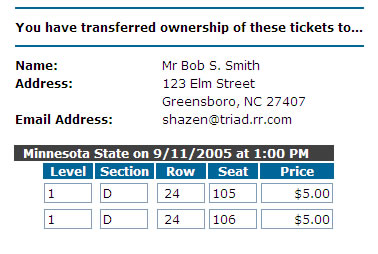
A confirmation page appears displaying the final transfer information. If you have included your email address in your account profile, you will receive an email confirmation for the transaction.
If you did not include the transferee's email address, he/she needs to collect the tickets at Will Call. If you included an email address for the transferee, he/she will receive an email confirmation with instructions for receiving the tickets.